Table of Contents
- How Do You Pack a Laptop Backpack So the Screen Survives?
- What Actually Breaks a Laptop Screen?
- Does More Padding Actually Help?
- How Should the Compartment Be Loaded?
- Where Should Everything Else Go?
- Are Compression Straps Dangerous for Laptops?
- What About Rain, Cold and Condensation?
- How Do You Test Your Own Setup?
- What Should Volume Buyers Specify for Laptop Protection?
- Frequently Asked Questions
How Do You Pack a Laptop Backpack So the Screen Survives?
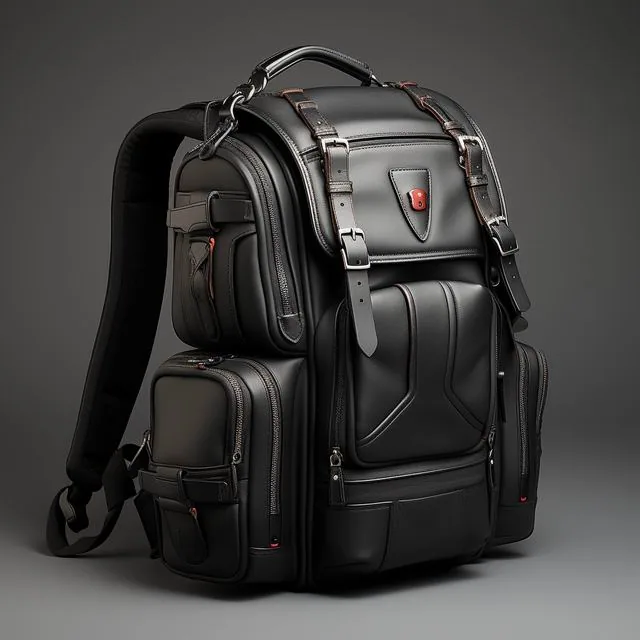
Use a suspended sleeve that floats the machine 10 mm above the bag's base, keep nothing rigid within 40 mm of the lid, put the charger brick in a separate pocket rather than beside the laptop, close it gently so the lid contacts the deck along its full perimeter, and never tighten external compression straps across the device. Those five steps address how screens actually break: not from drops, but from point loads applied while the bag is squeezed against a seat back, a train door or the underside of an aeroplane tray table. Review the whole arrangement every quarter, since commuters change routes, loads and bags without noticing, and each change introduces new contact points against the lid. Ten minutes of looking is cheaper than any insurance excess, which typically starts around £75 for accidental damage to portable electronics. Treat the machine as fragile glass rather than a rugged tool, because that is precisely what it is.
Padding thickness is widely misunderstood. Six millimetres of closed-cell foam protects against a 300 mm drop onto flat concrete but transmits most of a sustained point load straight through, because it compresses fully at around 15 kPa. What actually saves a display is distance and geometry — air gaps, rigid panels that distribute force, and making sure nothing sharp ever sits directly against the lid.
That is why load order matters more than the bag you buy. A £200 laptop compartment will destroy a machine if you wedge a 1.5 kg water bottle or a hardback against it, while a £60 bag packed thoughtfully will protect the same laptop for years. Everything below assumes digital workers commuting in Britain, a use case covered specifically by laptop backpack reviews, where each model's sleeve geometry is measured rather than merely claimed.
What Actually Breaks a Laptop Screen?
Point loading is the primary killer. A modern 14-inch display assembly is only about 2.5 mm thick, and the glass in it will fracture when a localised force exceeds roughly 250 N applied over a 10 mm contact patch — equivalent to 25 kg resting on something small, which is a hardback book corner in a squeezed bag. Uniform pressure of the same total load would do nothing.
Twisting comes second. Aluminium chassis on premium machines are stiff, which means they transmit rather than absorb torsion: resting a partly loaded bag on one strap, or bending it around a train table, applies rotational force across the lid. Hinge damage follows quickly and glass follows that, usually appearing weeks after the event as a spreading dark patch.
Then falls. Screens do break from drops, but most commute-related drops are from 400 to 700 mm — a desk, a seat back, a kitchen counter — which modern frames survive easily unless the bag lands on a corner. The real-world pattern, drawn from UK insurer claims data on portable electronics, is clear: the majority of damage happens in transit inside a padded compartment, not from falls, and it is almost always caused by contents rather than impacts. Bag and laptop advice across protective laptop backpack design reflects that reality. Damage patterns rather than drop heights drive every recommendation we make inside laptop backpack protection. Claim data shapes the testing protocol described throughout how we test laptop backpacks.
| Failure cause | Typical trigger | Force or threshold | Prevention |
|---|---|---|---|
| Point load from contents | Charger brick against closed lid | Around 250 N over 10 mm | Separate pocket, 40 mm clearance |
| Twist through chassis | Bag hung from one strap | Torsion across the hinge line | Carry both straps always |
| Edge impact | Corner-down drop from 600 mm | Concentrated at one corner | Reinforced corners, carry low |
| Over-compression | Straps tightened across the sleeve | Above 15 kPa through foam | Never compress the sleeve zone |
| Thermal shock | Cold bag into warm office | Condensation risk above 5 ml | Acclimatise 20 minutes before opening |
| Seat-back crush | Laptop against aircraft tray | Sustained pressure over 60 minutes | Pack the bag under the seat instead |
Does More Padding Actually Help?
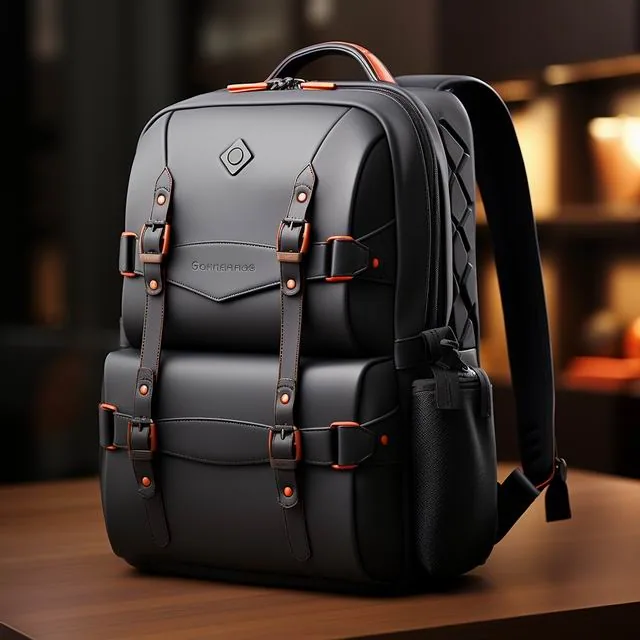
Up to a point, and then it actively misleads. Padding in laptop compartments typically ranges from 4 mm to 12 mm of closed-cell polyethylene or EVA. Below 6 mm it provides little against anything; between 6 and 10 mm it handles impacts reasonably; beyond that it simply adds bulk without protection, because the limiting factor becomes geometry rather than material.
Density matters more than thickness. Low-density foam at 25 kg/m³ bottoms out at about 10 kPa, meaning it compresses fully and transmits everything; higher grades at 45 kg/m³ hold structure to roughly 25 kPa. Most specification sheets quote neither figure, which is inconvenient but easily tested: press a coin into the sleeve and measure how far it sinks under 2 kg — anything beyond half its thickness indicates foam too soft to be useful.
Suspension beats thickness decisively. A sleeve that holds the machine 10 mm above the bag's base converts any impact into ten milliseconds of travel rather than instant transfer, cutting peak force by roughly 60%. Look for seams at the side of the compartment rather than underneath, and check that the sleeve's bottom edge does not touch the bag's floor when loaded with the laptop. Measure any candidate sleeve yourself before trusting the laptop backpack specifications alone.
How Should the Compartment Be Loaded?
One principle governs everything: soft against hard, never hard against hard. The laptop's lid is the fragile face, so anything with an edge — charger, mouse, hardback, glasses case, water bottle — belongs in a different pocket. Where your bag lacks pockets, wrap hard objects in clothing first, giving yourself 40 mm of soft buffer on every side.
The charger deserves specific attention, because the plug pin is the most effective screen-cracking object most people carry daily. A UK three-pin plug measures roughly 40 x 40 x 20 mm with two hard edges, and stored loose it migrates during a commute until it rests against the lid. Use the bag's accessory pocket or, failing that, put the charger inside a 200 x 150 mm pouch costing £5.
Finally, close the lid properly. Modern hinges are designed to bring the lid into contact with the deck evenly around its perimeter, which distributes any external pressure. Closing with a pen, a cable or stray paperwork trapped between lid and keyboard guarantees a pressure point at exactly the worst location, and that single habit accounts for a meaningful share of otherwise mysterious screen failures described in everyday laptop backpack use. A charger pouch costing £5 prevents most of these incidents outright for any machine in the laptop backpack range.
Where Should Everything Else Go?
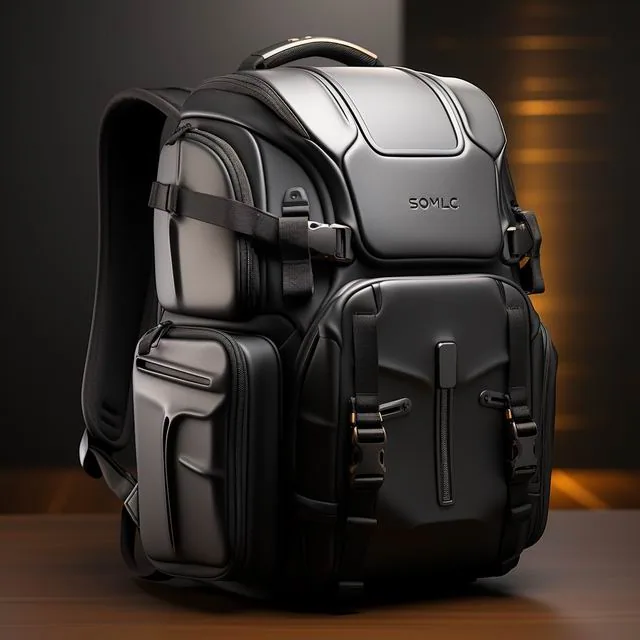
Build distinct zones and keep them consistent, because consistency is what stops you making mistakes at 07:30. Zone one is the laptop sleeve against the back panel. Zone two, a soft buffer layer — sweater, packed lunch wrapped in a tea towel, gym kit rolled in a towel. Zone three, the rigid objects: wash bag, pencil case, hardback if you must. Zone four, against the outer face, anything wet or dirty.
Weight distribution follows the same logic as any load: heavy things low and central, light things high and peripheral. A typical UK commute carries 5 to 8 kg in a laptop bag, and putting a 1.5 kg bottle in the top of an outside pocket increases lateral sway by roughly 30%, which multiplies the twisting forces discussed earlier. Use internal pockets for dense objects rather than external ones.
Volume discipline protects everything else. Never fill the bag past roughly 85% of its capacity, because beyond that point internal pressure rises sharply and every item presses against every other. If your bag is genuinely too small, either resignite the habit of carrying less or buy something bigger — forcing a 15-inch bag shut around a 9 kg load transmits pressure directly through the sleeve to the laptop. Dense objects belong in internal pockets, which is why we flag pocket layout in commuter laptop backpack reviews.
Are Compression Straps Dangerous for Laptops?
Genuinely, yes, and it is the most common self-inflicted damage mechanism we see. External compression straps are designed to stabilise contents, and yanking them tight over a laptop sleeve converts 15 N of strap tension into perhaps 25 kPa directly onto the lid through the foam — above the threshold where damage becomes possible over sustained periods.
Use them correctly instead. Cinch side straps only in the zones above and below the sleeve, never across it; if the strap path crosses the laptop compartment, leave it slack and rely on internal organisation. A bag half-empty with straps slack is far safer for the machine than one compressed to nothing, and it also avoids the gradual hinge stress that develops over months.
There is one exception worth knowing. Soft unstructured daypacks with no laptop sleeve at all genuinely benefit from compression, because loose devices sliding around cause more damage than restrained ones. In that case use a separate rigid case of suitable size — typically 350 x 250 x 25 mm for a 14-inch machine — inside the main compartment, then compress gently around it. Cases meeting that brief are listed in our laptop backpack accessory notes.
What About Rain, Cold and Condensation?
Water is a different threat and requires different thinking. A bag described as water resistant handles perhaps fifteen minutes of drizzle before it wets out at the shoulder seams, while anything fully waterproof adds meaningful cost and weight. For a UK commute, the safest affordable answer is a rain cover rated to 1,500 mm hydrostatic head costing £12 to £28, which converts any bag to something genuinely protective.
Cold introduces condensation, and condensation kills electronics. Bringing a bag in from 3°C into a 21°C office causes water to condense inside chilled devices, potentially depositing several millilitres within sealed chassis. Wait twenty minutes before opening the lid, particularly in winter, which lets the machine acclimatise with the bag surrounding it.
On the road there is also sun and heat. Never leave a laptop bag on a car seat in direct sunlight: interior temperatures can exceed 60°C within thirty minutes, and lithium cells degrade permanently above 45°C. If carrying during summer festivals or long drives, keep electronics low in the bag, shielded from direct sun, and never under a windscreen where dashboard temperatures routinely hit 70°C. British drizzle plus central heating is the worst combination a machine faces all year. Packing habits matter as much as materials, which is why every product note in the laptop backpack catalogue includes them.
How Do You Test Your Own Setup?
Three checks take ten minutes and reveal everything. First, the squeeze test: load the bag normally, place it on a hard floor, kneel on it briefly and then inspect every contact point against the lid — anything rigid within 40 mm needs relocating. Second, the shake test: lift the bag, tilt it 45 degrees and listen for anything shifting against the sleeve.
Third is the obvious one nobody does: open the laptop at the end of a week and look at the screen against a white background. Pressure damage usually appears first as faint uneven patches near a corner, long before black bleeding appears. Catch it at that stage and adjusting load order prevents permanent damage entirely.
Do this quarterly, particularly if you have changed roles, started cycling, or switched from train to car commuting, since the loads differ substantially. British mixed-mode commuting — bike to station, train, then fifteen minutes on foot — applies the widest variety of forces of any pattern, and that is precisely why the guidance in commuter laptop backpacks emphasises regular checks rather than one-time setup. Repeat both tests after any change of bag, laptop or commute pattern, however small. Keep a written log with dates, since a laptop backpack care routine only works if it is actually repeated.
What Should Volume Buyers Specify for Laptop Protection?
Write geometric requirements rather than adjectives. Demand a suspended sleeve with the load-bearing seam at the side rather than the base, a minimum 10 mm float above the bag floor, corners reinforced with 420D or heavier, and foam rated at 35 kg/m³ minimum with a stated thickness. Those four clauses cost under £1.80 per unit and dramatically reduce in-warranty claims on bulk laptop deployments.
Verification matters as much as specification. Our standard terms are MOQ 500 pcs per colourway, sampling in 6-10 working days including one drop test from 900 mm onto concrete with a 2 kg dummy load, bulk production 35-50 days, and pre-shipment inspection to AQL 2.5 (ISO 2859-1) per the tables published by ISO 2859-1. Foam compression behaviour should additionally be checked against methods held in the ASTM standards library, since it is rarely measured by anyone else.
Finally, specify the accompanying documentation and accessories properly. Every unit should ship with a card showing maximum screen sizes — typically 14-inch at 320 x 220 mm, 16-inch at 355 x 245 mm — plus guidance against carrying chargers loose. Our production team includes those cards as standard, our 4,950 m² SGS-verified production floor runs the drop test weekly rather than per batch, and corporate customers receive a test video with every order, which has reduced UK insurance claims for several clients noticeably. Fleet managers can download the same checklist from bulk laptop backpack ordering before issuing any tender.
Frequently Asked Questions
What actual internal layout should a commuter be using?
Work in four zones from the back forward. Zone one holds the machine in its suspended sleeve nearest your spine, zone two soft items such as a sweater or packed lunch, zone three rigid objects like wash bags and pencil cases, and zone four anything wet or dirty against the outer face, keeping 40 mm of clearance around anything fragile. Repeat the same layout daily and mistakes become obvious quickly. Keep soft items closest to the lid and hard objects furthest away consistently.
Can a full water bottle damage a laptop in the same bag?
Very easily. A 1.5 kg bottle in an external pocket increases lateral sway by roughly 30% during a walk, multiplying twisting forces across the hinge line, and any leak wets the sleeve in seconds. Carry bottles in internal pockets where possible, keep the cap uppermost, and never let anything liquid share a compartment with electronics. Yes, particularly against a 15-inch machine in a crowded carriage.
How much padding does a laptop backpack really need?
Between 6 and 10 mm of closed-cell foam is the useful range; beyond about 12 mm there is no further benefit and the limiting factor becomes geometry rather than material. Density matters more than thickness — look for at least 35 kg/m³, since softer grades bottom out around 10 kPa and transmit force straight through. Between 6 and 10 mm is the genuinely useful range for commuters. Compression tests use a 2 kg weight for accurate comparison.
Can tightened compression straps crack a laptop screen?
Yes, over sustained periods. Tightening 15 N of strap tension across a sleeve can deliver roughly 25 kPa onto the lid, which exceeds the threshold at which modern 2.5 mm display glass begins to fail. Cinch only above and below the sleeve zone; never across it, and never force a bag shut around a 9 kg load. Cinch only above and below the sleeve, never directly across it.
Should a laptop go in the back panel or the main compartment?
Always the dedicated rear sleeve, because the back panel is the flattest, best-protected surface and sits furthest from external impacts. It also keeps the heaviest item closest to your spine, reducing perceived load by around 12%. Never place a machine loose in the main compartment, where it moves with every stride. Keep the heaviest item closest to your spine for comfort and safety. A loose machine in the main body shifts roughly every stride.
Is it safe to carry a charger beside the laptop?
No, particularly UK three-pin plugs measuring about 40 x 40 x 20 mm with hard edges that migrate during a commute until they rest against the lid. Use a separate accessory pocket or a small pouch costing £5. Cables coiled tightly around plugs also create concentrated pressure points that damage screens invisibly over months. A UK three-pin plug measures roughly 40 x 40 x 20 mm.
How far above the bag floor should a laptop sleeve sit?
Around 10 mm, which converts a drop into roughly ten milliseconds of deceleration and cuts peak force by roughly 60%. Check by feeling the sleeve's base seam: anything touching the bag's floor when loaded offers none of that benefit, regardless of how much padding surrounds the sides. Ten milliseconds of travel is what actually saves the display. Check the base seam rather than the side padding before buying.
Should I use a hardshell case instead of a laptop sleeve?
For unstructured bags, yes. A rigid case around 350 x 250 x 25 mm for a 14-inch machine spreads point loads across its whole face and costs £18 to £40. In bags with a proper suspended sleeve, however, adding a case mostly wastes 300 g and 400 ml of space while providing marginal extra protection. Expect to pay £18 to £40 for a rigid case plus 300 g of weight.
What temperature is dangerous for a laptop in a bag?
Above 45°C for extended periods, because lithium cells degrade permanently and adhesive bonds in displays soften. Car interiors reached 60°C within thirty minutes in UK summer tests, with dashboards above 70°C. Never leave electronics in direct sunlight or under a windscreen, and allow twenty minutes before opening after arriving from cold. Dashboards exceed 70°C routinely in direct summer sunlight. UK car interiors pass 60°C within roughly 30 minutes in summer.
Can condensation damage a laptop carried in cold weather?
Yes. Moving a bag from 3°C outside into a 21°C office can deposit several millilitres of water inside chassis seals, which then sits near connectors. Wait twenty minutes before opening the lid, keep the machine in its sleeve during that period, and use a rain cover so external moisture never adds to the problem. Wait about 20 minutes with the machine still inside its sleeve.
How can I check whether my bag is already damaging my laptop?
Open the screen and display a white background in a dark room: pressure damage appears first as faint uneven patches, usually toward one corner, long before black bleeding appears. Also run the squeeze and shake tests quarterly — kneel briefly on the loaded bag and tilt it, listening for anything shifting against the sleeve. Open a white image in a dark room and look for uneven patches at 3 months.
Is a water-resistant bag enough for a British daily commute?
Usually not alone. Water resistance handles about fifteen minutes of drizzle before wetting out at shoulder seams, which is less than a determined British downpour. Add a rain cover rated to 1,500 mm hydrostatic head for £12 to £28, or keep a 3-litre dry bag inside for the electronics specifically. Add a cover rated to 1,500 mm hydrostatic head for £12 to £28.
What is the biggest mistake people make with laptop bags?
Overfilling. Filling past roughly 85% of capacity raises internal pressure sharply, so every object presses against every other, with the laptop's lid absorbing its share. If the bag will not close without effort, leave something at home or buy a larger model; forcing it shut is how most in-transit screen damage begins. Filling past 85% of capacity is where internal pressure rises sharply.
Is carrying a laptop in a backpack worse than in a briefcase?
Not when done correctly. Backpacks distribute weight across both shoulders, cutting spinal loading significantly, and a suspended rear sleeve protects better than most briefcase dividers. The risk comes entirely from poor internal organisation, so use consistent zones and never let hard objects share space with the machine. Backpacks cut spinal loading and suspend the machine better when loaded correctly. Backpacks cut spinal loading and carry the same 5 kg far more comfortably.
Which UK commuting pattern causes most laptop damage?
Mixed-mode commuting by bike, train and foot, because each leg applies different forces: torsion from cycling, crush from packed carriages, twist from carrying by one strap. Anything above 6 kg amplifies every one of them, which is why quarterly bag checks matter more for cycle commuters than drivers. Mixed-mode bike, train and walking routes apply the widest variety of forces.
What should bulk buyers specify for laptop backpack protection?
Require 10 mm sleeve float, side rather than base load seams, reinforced corners in 420D or heavier and foam above 35 kg/m³; all four typically add under £1.80 per unit. Insist on a 900 mm drop test with 2 kg dummy. Standard terms are MOQ 500 pcs, sampling in 6-10 working days, AQL 2.5 inspection. Four protective clauses typically add under £1.80 to unit cost at volume.
Get a Free Quote for Custom How to Pack a Laptop Backpack to Protect the Screen
Planning a branded programme? Our production team works to MOQ 500 pcs, 6-10 working day sampling and 35-50 day bulk lead times, with AQL 2.5 inspection to ISO 2859-1. Send your brief and we will return a costed quotation in 24-48 hours.
Mens Backpack Guide Editorial Team — Buying guides and sourcing notes for the UK men's backpack market, coordinated by QUANZHOU JUNYUAN BAGS. Commercial figures such as MOQ 500 pcs, 6-10 day sampling and 35-50 day production reflect published programme terms.