Digital Nomad Gear Essentials: Complete Toolkit for 2026
Table of Contents
- The Digital Nomad Lifestyle in 2026
- Laptop Recommendations by Work Type
- Building a Portable Workspace
- Connectivity Solutions That Actually Work
- Power Management for Continuous Operation
- Storage and Backup Strategies
- The Nomad Clothing System
- Health Kit for Constant Travellers
- Security Tools You Cannot Skip
- Complete Budget Breakdown
- Choosing the Right Backpack
- Frequently Asked Questions
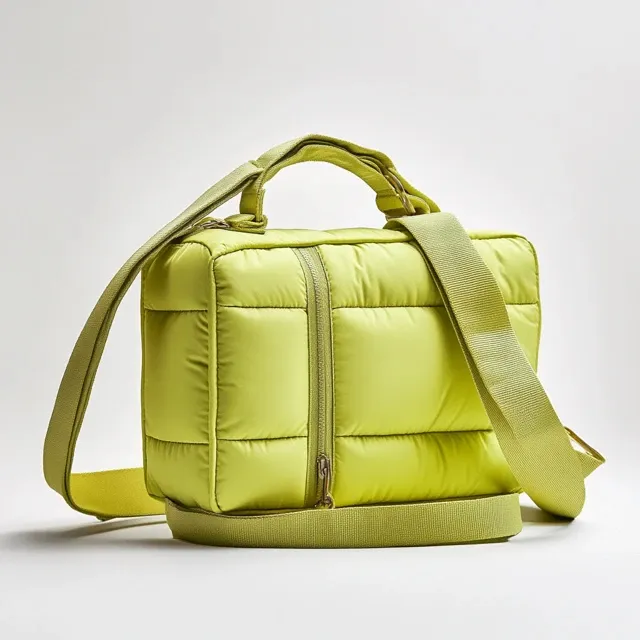 A well-curated toolkit is the foundation of the digital nomad lifestyle.
The Digital Nomad Lifestyle in 2026
The digital nomad community has matured significantly since its early days of backpackers working from beachside cafes. In 2026, an estimated 35 million people worldwide identify as digital nomads or remote workers who change locations at least quarterly. The lifestyle has shifted from a rebellious alternative to a mainstream career strategy adopted by software developers, designers, marketers, writers, consultants, and entrepreneurs.
This maturation means the gear requirements have also evolved. The early nomad toolkit was simple: a laptop and a WiFi connection. Today's professional nomad needs a sophisticated, interconnected system of hardware and software that supports sustained productivity across dozens of different environments per year. The right gear does not just enable the lifestyle; it determines whether you thrive or burn out.
This guide provides a complete, honest breakdown of every piece of gear a digital nomad needs in 2026. We cover laptops, workspace equipment, connectivity, power, storage, clothing, health supplies, security tools, and the all-important backpack. Each section includes budget-conscious and premium options, because the nomad community spans a wide range of incomes.
Laptop Recommendations by Work Type
Your laptop is your entire livelihood as a digital nomad. Choosing the wrong one is not an inconvenience; it is a business failure waiting to happen. The right choice depends on what you actually do.
For Writers, Marketers, and Consultants
You need battery life above all else. Your work involves text, web browsing, and video calls. The MacBook Air M3 or M4 is the default recommendation here. It delivers 15 to 18 hours of real battery life, weighs just 1.24 kilograms, and handles all text-based work effortlessly. The Dell XPS 13 is the best Windows alternative, offering comparable battery life in a slightly more compact form factor.
For Developers and Data Professionals
You need RAM and processing power. Sixteen gigabytes is the minimum; 32 gigabytes is comfortable. The MacBook Pro 14 with M3 Pro or M4 Pro chip is the standard choice. For Linux users, the Framework Laptop 16 or System76 Lemur Pro provide excellent compatibility and repairability. You will run Docker containers, compile code, and manage databases simultaneously; multitasking performance matters more than battery life in this category.
For Designers and Video Creators
You need screen quality and sustained performance. The MacBook Pro 14 or 16 with the Pro or Max chips offers the best combination of display accuracy (P3 wide colour gamut, 1600 nits peak brightness) and GPU performance. If budget is a concern, the ASUS ProArt Studiobook 16 offers professional colour accuracy at a lower price point.
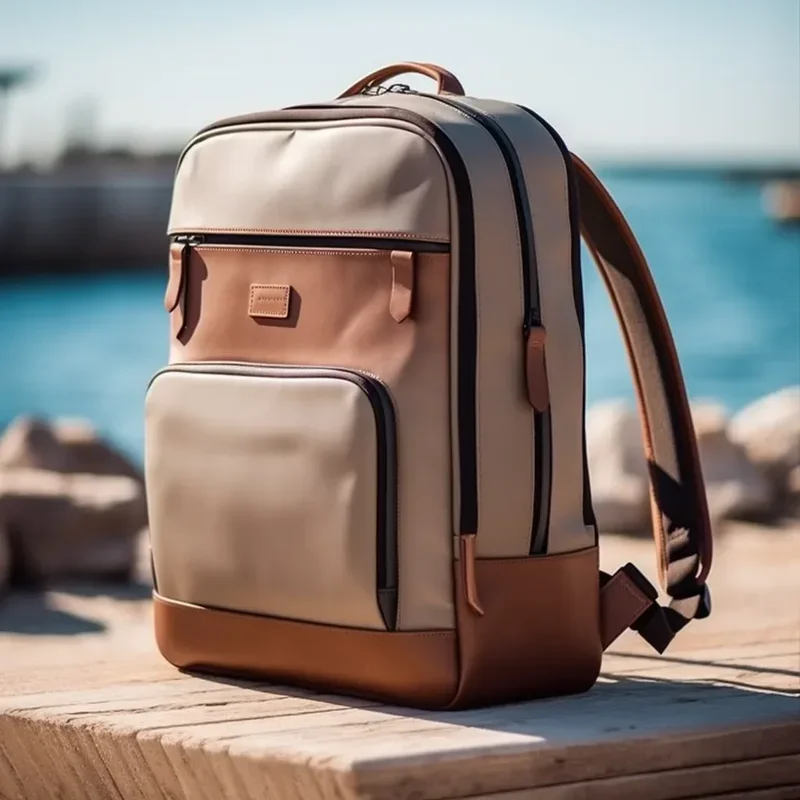 Match your laptop to your actual work, not to aspirational fantasies.
Critical Rule: Never buy a laptop based on the work you wish you did. Buy based on the work you actually do today. A novelist does not need 32 GB of RAM. A video editor does not benefit from 18-hour battery life. Match the tool to the task.
Building a Portable Workspace
Your laptop screen is too small for productive full-day work. You need to augment it. The portable workspace kit transforms any flat surface into a functional desk.
Essential workspace gear includes a portable monitor (14 to 16 inches, USB-C connection, under 800 grams), a lightweight laptop stand (the Roost at 210 grams or the Nulaxy at 240 grams), and a compact keyboard and mouse for those who prefer working with the laptop on a stand rather than hunched over.
The portable monitor is the single biggest productivity upgrade for nomads. Working on a single 13-inch screen all day causes neck strain and limits your ability to reference documents while working. A second screen doubles your effective workspace and dramatically improves comfort during long work sessions.
Ergonomic Considerations
Working from cafes and co-working spaces introduces ergonomic challenges that do not exist in a fixed office. Your portable workspace must address three issues: screen height, keyboard angle, and back support. A laptop stand raises the screen to eye level. An external keyboard and mouse allow a neutral wrist position. A compact lumbar support cushion (the Backjoy Posture Plus weighs 140 grams) provides lower-back support on uncomfortable chairs.
Connectivity Solutions That Actually Work
Internet connectivity is the single point of failure for digital nomads. Without it, you cannot work. You need redundant, reliable connectivity options.
Primary: Local SIM or eSIM
In most countries, purchasing a local SIM card or activating an eSIM profile provides the fastest and most affordable connectivity. Services like Airalo and Nomad offer instant eSIM activation in over 200 countries. A typical data plan costs £10 to £25 per month for 10 to 50 GB of 4G or 5G data.
Secondary: Portable WiFi Hotspot
For nomads who move between countries frequently, a dedicated portable WiFi hotspot like the GlocalMe Ultra 5 provides consistent connectivity without swapping SIM cards. These devices use cloud SIM technology to connect to the best available local network automatically. They cost £100 to £200 upfront plus data plan fees.
Backup: Phone Tethering
Every nomad should have phone tethering as a fallback. Modern smartphones support WiFi hotspot functionality that shares your mobile data connection with your laptop. This is your lifeline when your primary connection fails, when you are in a location with terrible WiFi, or during transit.
| Connectivity Option | Monthly Cost | Setup Cost | Reliability | Best For |
|---|---|---|---|---|
| Local eSIM (per country) | £10-25 | Free | High | Long stays in one country |
| Global eSIM plan | £30-50 | Free | Medium-High | Multi-country travel |
| Portable WiFi hotspot | £20-40 | £100-200 | Very High | Heavy data users |
| Phone tethering | Included in plan | Free | Medium | Emergency backup |
Power Management for Continuous Operation
Digital nomads cannot afford dead batteries. Power management requires a layered approach that ensures you always have charge, regardless of the environment.
The power hierarchy for nomads works like this: wall outlets when available, a high-capacity power bank as primary backup, and a compact GaN charger as your universal charging solution. The Anker 737 PowerBank (140W, 24,000 mAh) can recharge most laptops fully and phones multiple times. A single 65W GaN charger replaces all the chargers you would otherwise carry for laptop, phone, tablet, and earbuds.
 A layered power strategy ensures you never miss a deadline due to a dead battery.
Power Kit Checklist
- 65W GaN charger (single unit, multi-port)
- 24,000 mAh USB-C power bank with 65W+ output
- USB-C to USB-C cable (2-metre, 100W rated) x 2
- Universal travel adapter (for countries with non-UK plugs)
- USB-A to USB-C cable (for older devices and peripherals)
Storage and Backup Strategies
Losing your work files while abroad is catastrophic. You need a robust backup strategy that protects against hardware failure, theft, and accidental deletion simultaneously.
The 3-2-1 backup rule applies: three copies of your data, on two different media, with one offsite. For digital nomads, this translates to: your laptop's internal SSD (primary), a portable SSD like the Samsung T7 or SanDisk Extreme (local backup), and a cloud storage service like Google Drive, Dropbox, or Backblaze (offsite backup).
A portable SSD is essential. They weigh under 100 grams, connect via USB-C, and provide fast local backup. Set up automated daily backups to both the SSD and the cloud. The cost of a 1 TB portable SSD is approximately £80, and it could save your entire business.
The Nomad Clothing System
Your clothing system must handle diverse climates, look professional enough for client meetings, pack small, wash easily, and resist odour and wrinkles. This is a tall order, but solvable with the right approach.
Build around merino wool and technical fabrics. The core system includes: three merino wool T-shirts (mix of short and long sleeve), two pairs of quick-dry trousers (one convertible), one pair of chinos for smarter occasions, a lightweight rain jacket, a packable down jacket for cold climates, three pairs of merino wool socks, three pairs of quick-dry underwear, and one versatile pair of shoes that work for both walking and casual dining.
Total clothing weight: approximately 2.5 kilograms. This covers temperatures from 5 to 35 degrees Celsius with strategic layering. The key is that every piece coordinates with every other piece in a unified colour palette (navy, charcoal, and black work universally).
Health Kit for Constant Travellers
Constant movement exposes you to different water sources, food environments, and climate conditions. A compact health kit prevents minor issues from becoming trip-ending problems.
The essential nomad health kit includes: a basic first aid kit (plasters, antiseptic wipes, pain relievers), rehydration salts (critical for hot climates or food-related illness), any personal prescription medications with copies of prescriptions, sunscreen (SPF 50, travel-sized), insect repellent for tropical destinations, and a compact water bottle with a built-in filter (the Grayl GeoPress or LifeStraw Go eliminate the need to buy bottled water in countries with questionable tap water).
Security Tools You Cannot Skip
Digital nomads carry their entire business in a backpack. Theft or data breach is not an inconvenience; it is an existential threat. Security must be built into your gear and habits from day one.
Essential security measures include: a laptop lock cable (Kensington or similar) for securing your laptop in co-working spaces, a VPN subscription (NordVPN, ExpressVPN, or Mullvad) for encrypted internet traffic, password manager (Bitwarden or 1Password) for strong unique passwords across all accounts, two-factor authentication on every account that supports it, encrypted cloud backups, a Pacsafe anti-theft backpack or bag liner with slash-proof mesh, and RFID-blocking wallet to protect contactless cards.
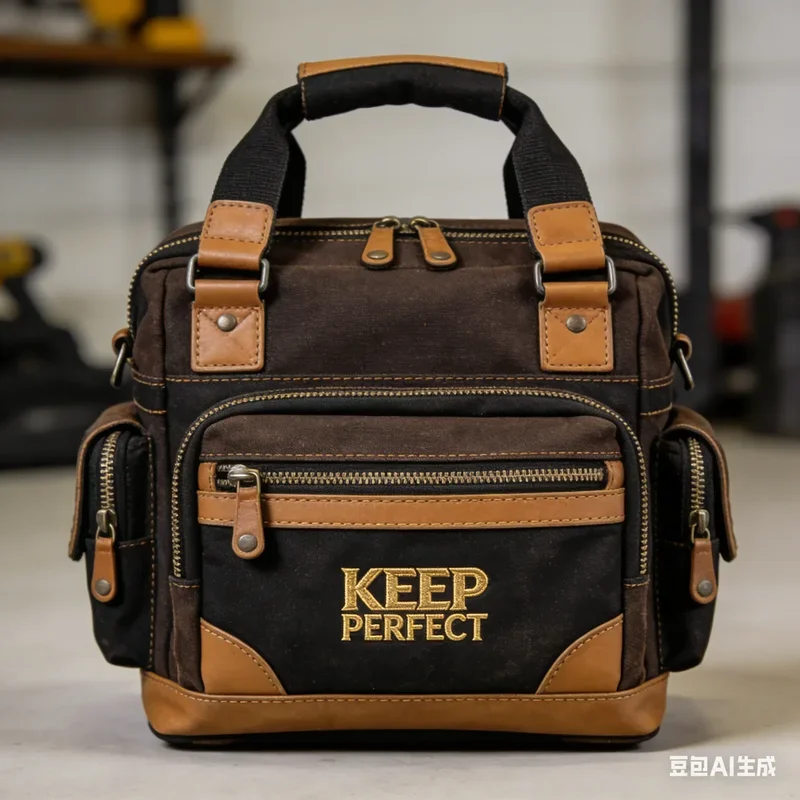 Security is not optional when your entire livelihood fits in a backpack.
Complete Budget Breakdown
Here is the complete investment required to equip a digital nomad for professional work in 2026:
| Category | Budget Setup | Professional Setup |
|---|---|---|
| Laptop | £600 | £1,800 |
| Portable Monitor | £120 | £350 |
| Laptop Stand + Keyboard | £30 | £120 |
| Connectivity (hotspot + eSIMs) | £50 | £200 |
| Power (charger + power bank) | £80 | £200 |
| Storage (portable SSD) | £80 | £160 |
| Clothing system | £200 | £600 |
| Health kit | £50 | £120 |
| Security tools | £40 | £150 |
| Backpack | £80 | £250 |
| Noise-cancelling earbuds | £50 | £280 |
| Total | £1,380 | £4,230 |
The professional setup represents a significant investment, but it pays for itself within the first few months of productive nomad work. Consider it business infrastructure, not consumer spending.
Choosing the Right Backpack
Your backpack carries everything. It must be durable, comfortable for all-day wear, organise your tech efficiently, look professional, and protect against weather and theft. The three best options for digital nomads in 2026 are the Cotopaxi Allpa 35L (excellent carry comfort and organisation), the Peak Design Travel Backpack 30L (modular internal organisation and sleek design), and the Bellroy Transit Backpack 28L (best balance of size, comfort, and professional appearance).
Prioritise these features: a dedicated laptop compartment that fits your specific machine, a luggage pass-through sleeve for attaching to rolling bags, comfortable and breathable shoulder straps with a sternum strap, water-resistant or waterproof material, lockable zippers for security, and a capacity between 25 and 35 litres depending on how much you carry.
Ready to Upgrade Your Mobile Setup?
Whether you need a backpack that doubles as a mobile office or a travel companion for your minimalist kit, we have the solution.
Email: service@junyuanbags.com | WhatsApp: +86 17750020688
Get a Quote Chat on WhatsAppAdapting Your Toolkit Over Time
Your digital nomad toolkit is not static. As your work evolves, your destinations change, and technology advances, your gear should adapt accordingly. Schedule a toolkit review every six months. Assess each item against your current needs rather than the needs you had when you purchased it. A portable monitor that was essential for a design-heavy project may become unnecessary when your work shifts to writing.
The nomad community is an excellent resource for gear recommendations and warnings. Forums, podcasts, and social media groups dedicated to digital nomad life provide real-world feedback on equipment performance across different environments. Pay particular attention to reliability reports; a device that works perfectly in London but fails in humid Southeast Asian conditions is a poor choice for a global nomad.
Finally, resist the urge to upgrade for its own sake. Gear acquisition syndrome affects many nomads who conflate new equipment with improved productivity. Your laptop from 18 months ago is probably still perfectly capable. Before replacing any item, honestly assess whether it is genuinely limiting your work or whether the desire to upgrade is simply consumer enthusiasm. The best toolkit is the one you know intimately, not the one with the newest specifications.
The digital nomad toolkit is ultimately a personal system. What works for one person may not work for another. The principles remain constant: reliability, portability, versatility, and value. Apply these principles to your specific circumstances and you will build a toolkit that supports rather than hinders your location-independent career.
Frequently Asked Questions
What is the minimum budget to start as a digital nomad?
With existing laptop and smartphone, you can add essential nomad gear (power bank, GaN charger, portable SSD, earbuds, and backpack) for approximately £400 to £600. The laptop is the biggest single expense, and if you already have a capable machine, the remaining investment is modest.
Do I need a portable monitor as a digital nomad?
It depends on your work. Developers, designers, and anyone working with complex spreadsheets benefit enormously. Writers and communicators may find a tablet sufficient as a reference device. Try working without one for a week; if you feel constrained, invest in one.
How do digital nomads handle time zones?
Most nomads choose destinations within a few hours of their clients' or employer's time zones. Tools like World Time Buddy help schedule meetings across zones. The key is setting clear expectations about your availability window and sticking to it.
What backpack size is ideal for digital nomad travel?
Between 25 and 35 litres. Under 25 litres is too small for clothing plus tech. Over 35 litres tempts you to overpack. The sweet spot for most nomads is 28 to 30 litres, which accommodates one to two weeks of clothing plus a full tech kit.
How do you protect your data while travelling?
Use encrypted cloud backups (three copies on two media with one offsite), a password manager, two-factor authentication, a VPN, and full-disk encryption on your laptop. Enable Find My Device tracking and remote wipe capabilities. Never store critical data only on your laptop.
Is a Chromebook viable for digital nomad work?
For web-based work (writing, marketing, consulting via browser apps), a Chromebook works well and offers excellent battery life and security. For development, design, or any work requiring desktop software, a Chromebook is too limiting. Evaluate your actual software requirements before choosing.
Ready to Upgrade Your Mobile Setup?
Whether you need a backpack that doubles as a mobile office or a travel companion for your minimalist kit, we have the solution.
Email: service@junyuanbags.com | WhatsApp: +86 17750020688
Get a Quote Chat on WhatsApp